
New Shopify Store? How to Accept iDEAL Without 100 Orders
Launching a new Shopify store for customers in the Netherlands can create an unexpected payment problem. You need iDEAL. Your customers expect iDEAL. But your new Shopify store may not yet qualify to activate iDEAL through Shopify Payments.
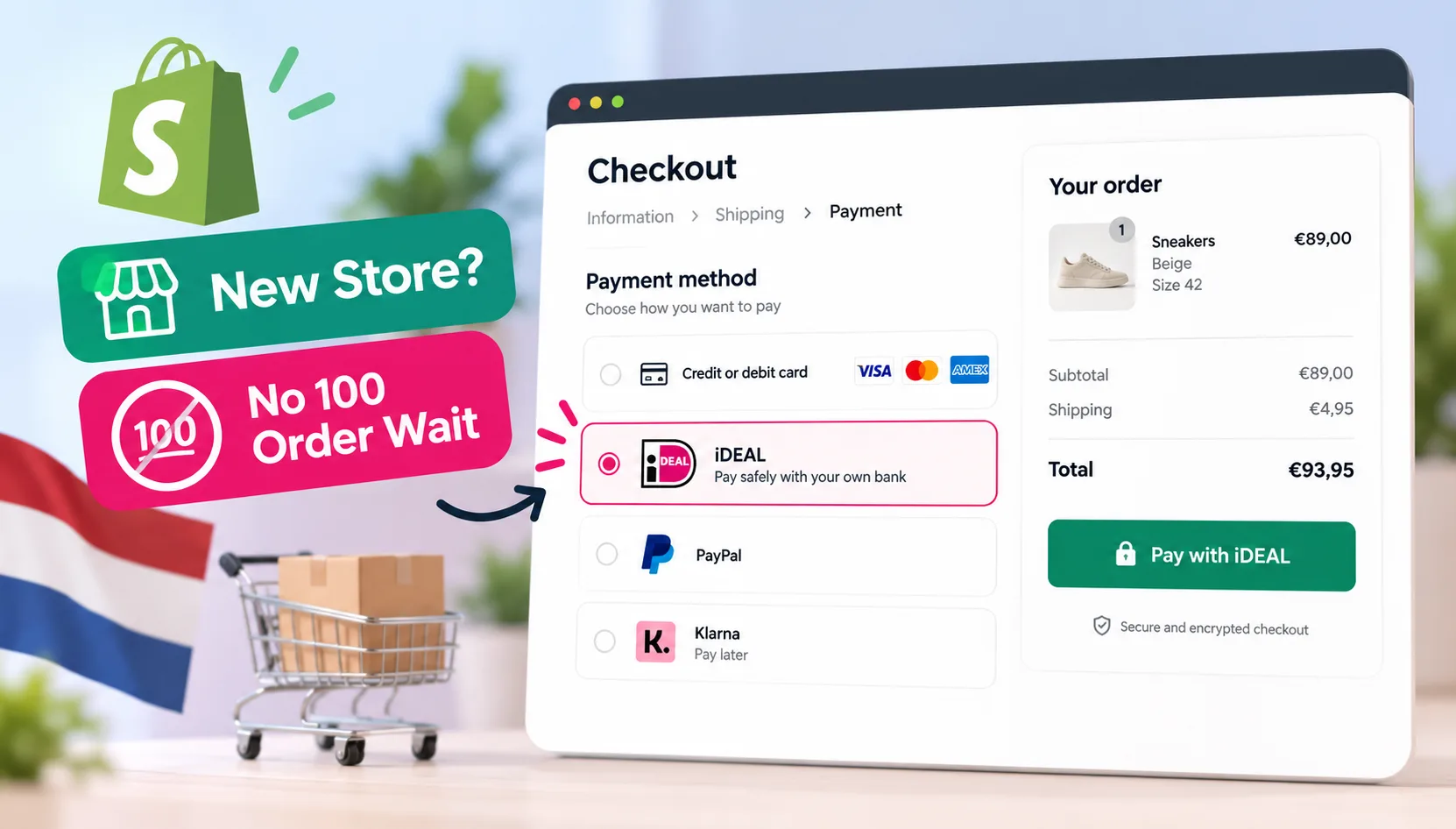
A native Shopify payment integration can help eligible merchants offer iDEAL through Stripe without relying only on Shopify Payments eligibility.
Why iDEAL Matters for Shopify Stores Selling in the Netherlands
iDEAL is a bank-based payment method designed for Dutch consumers. Instead of entering card details, customers choose iDEAL and authenticate the payment using their supported banking environment.
For merchants targeting the Netherlands, offering familiar local payment methods can remove unnecessary friction from checkout. This becomes particularly important for a new international Shopify store. You might already offer Visa, Mastercard, or another payment option, but that does not necessarily mean every Dutch customer wants to use it.
Shopify itself treats iDEAL | Wero as a local payment method for customers in the Netherlands. Shopify states that customers must be located in the Netherlands and check out in EUR for iDEAL | Wero to appear through its supported Shopify Payments configuration.
The Shopify iDEAL 100-Order Problem
Depending on the country of your Shopify Payments account, you may face an additional eligibility requirement before Shopify lets you activate iDEAL.
For example, Shopify currently states that merchants using Shopify Payments in the United Kingdom must process at least 100 orders with Shopify Payments before they can activate iDEAL | Wero. Similar requirements appear in Shopify's documentation for some other supported countries.
This can create a difficult situation for a new store. You want to sell to Dutch customers. You want to give those customers a familiar way to pay. But you may first need to generate an established Shopify Payments order history before Shopify makes iDEAL available through its own payment configuration.
Waiting is not necessarily your only option.
Can You Add iDEAL to Shopify Without 100 Orders?
Yes, there is another integration route for eligible merchants.
Rather than relying on Shopify Payments to provide iDEAL, you can use a separate iDEAL payment integration connected to a supported processor such as Stripe.
CartDNA provides Shopify payment integrations that connect local payment methods to Shopify's native checkout. CartDNA supports iDEAL and can connect supported payment methods through providers such as Stripe.
You are therefore not trying to remove Shopify's eligibility requirement from Shopify Payments.
You are using a different payment integration for iDEAL. That distinction is important.
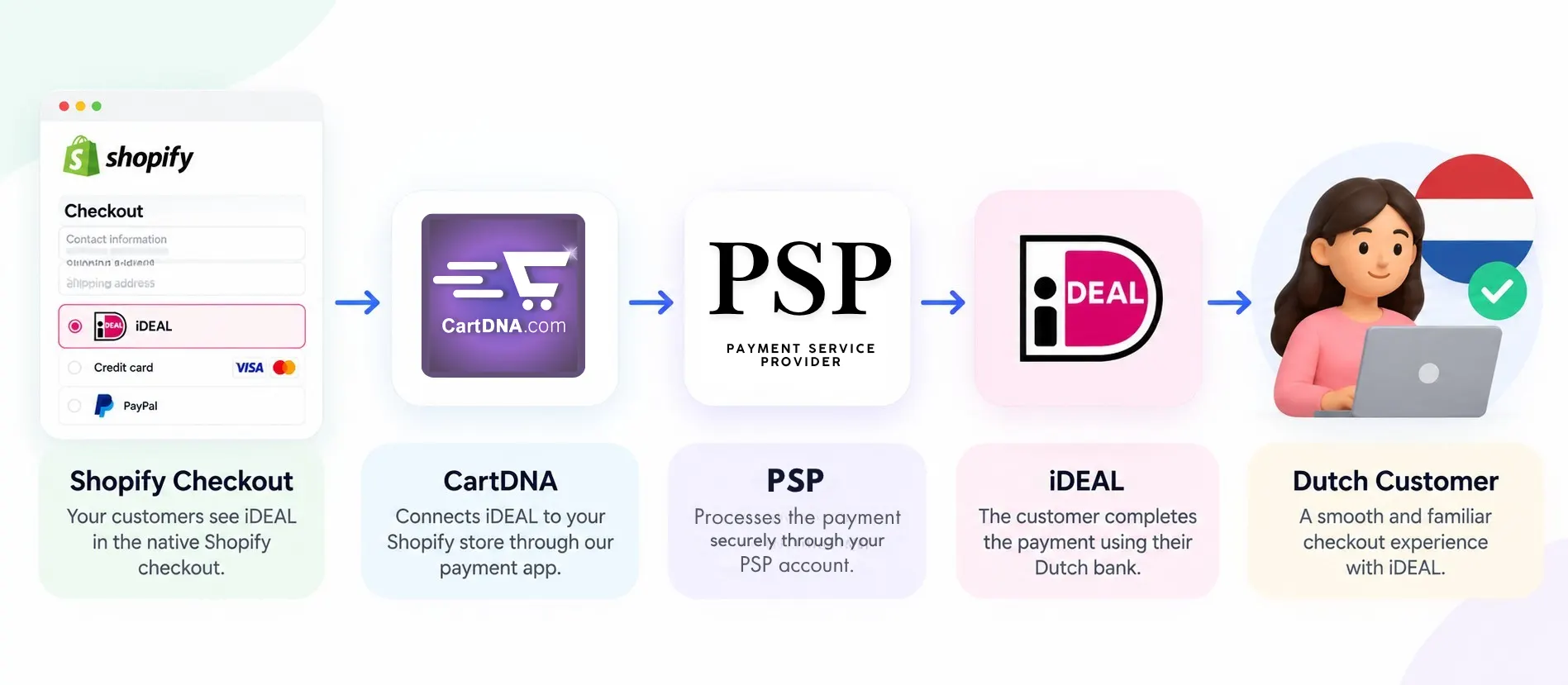
The CartDNA route connects Shopify Checkout to Stripe and iDEAL through a compatible Shopify payment integration.
Keep Shopify Payments and Add iDEAL Alongside It
You do not necessarily need to replace Shopify Payments.
CartDNA can work alongside Shopify Payments and other provider configurations to expand the payment methods available to your customers. For example, your checkout configuration could include:
Shopify Payments
For your existing supported card and wallet payment methods.
CartDNA iDEAL via Stripe
For eligible Dutch customers who want to pay using iDEAL.
This gives you more flexibility when entering the Netherlands without rebuilding your Shopify store or creating a completely separate checkout.
How to Add iDEAL to Shopify Through Stripe
The setup is relatively straightforward, but your Stripe account must first be eligible to accept iDEAL.
Create or Use Your Stripe Account
You need an active Stripe account with accurate business information. Make sure your legal business name, registration details, business address, website, and other information match your actual business. Do not create inaccurate account details simply to gain access to a particular payment method. Payment providers conduct their own verification and risk assessments.
Check iDEAL in Stripe
Log in to your Stripe Dashboard and review your available payment methods. Check whether iDEAL is available for your account and business. Your Stripe account's country, business type, account status, and other eligibility requirements can affect which payment methods Stripe makes available.
Connect iDEAL to Shopify
Having iDEAL enabled inside Stripe does not automatically make it appear as a payment option inside Shopify Checkout. You still need a compatible Shopify payment integration. This is where the CartDNA integration sits between Shopify and your payment processor. CartDNA specialises in adding local payment methods, including iDEAL, to Shopify and Shopify Plus stores.
Configure Your CartDNA Payment App
Install the relevant CartDNA payment application and connect your Stripe configuration. The exact configuration depends on the payment application and your merchant account. CartDNA's standard integration process includes connecting your payment provider, activating the required local payment method, and testing the checkout before going live.
Test iDEAL Before Going Live
Never assume a payment method works simply because it appears in your settings. Complete a test checkout. Check that iDEAL appears for the correct customer and market configuration. Test the payment flow, return journey, and Shopify order status. Only move to live payments after you have confirmed the full checkout journey.
Does This Replace Shopify Checkout?
No.
This is one of the key differences between a native Shopify payment integration and solutions that move customers into an alternative checkout system.
CartDNA integrates payment methods into the Shopify checkout environment rather than requiring merchants to rebuild their storefront around a separate checkout platform.
For merchants, this keeps the customer journey much closer to the normal Shopify buying experience.

Shopify Payments eligibility and a Stripe-powered CartDNA integration are separate routes. Requirements still depend on the relevant provider and account.
What Happens After You Reach 100 Shopify Orders?
Nothing forces you to change your payment configuration simply because your store reaches 100 orders.
If Shopify later makes iDEAL | Wero available to your Shopify Payments account, you can review your payment setup at that point.
Compare your costs, settlement arrangements, payment performance, and operational requirements before deciding which configuration to use.
The important point is that a new store does not necessarily need to build its Dutch sales strategy around waiting for Shopify Payments eligibility.
Important: The 100-Order Rule Depends on Your Shopify Payments Country
Do not assume every Shopify merchant has exactly the same iDEAL restriction. Shopify's requirements differ by country and can change.
For example, Shopify's current UK documentation explicitly states the 100 Shopify Payments orders requirement for iDEAL | Wero. Its Netherlands documentation instead focuses on eligibility checks including identity verification, reliable business operations, an accessible store, and required legal information.
Always check the current Shopify requirements for the country where your Shopify Payments account is registered.
Can a Brand-New Shopify Store Accept iDEAL?
Potentially, yes.
If your business and payment processor are eligible, a third-party Shopify payment integration can provide another route to iDEAL rather than waiting for Shopify Payments to make the method available.
You still need a legitimate business, a properly configured Shopify store, and an approved payment processor. Using another integration does not bypass Stripe's compliance, KYC, risk, or business eligibility requirements.
It solves a different problem: connecting an eligible iDEAL payment processor to Shopify Checkout.
Frequently Asked Questions
Can I accept iDEAL on a new Shopify store?
Potentially, yes. If your business and payment processor are eligible, you can use a compatible Shopify payment integration connected to Stripe instead of relying only on Shopify Payments availability.
Does CartDNA remove Shopify Payments eligibility requirements?
No. CartDNA provides a separate Shopify payment integration route. Shopify Payments eligibility rules still apply to Shopify Payments.
Do I still need Stripe approval for iDEAL?
Yes. Stripe availability, account status, KYC, business details, and risk checks still apply.
Should I remove Shopify Payments?
Not necessarily. Many merchants keep Shopify Payments for cards and wallets while adding CartDNA for eligible local payment methods such as iDEAL.
Start Accepting iDEAL on Shopify
If the Shopify Payments 100-order requirement is preventing your new store from offering iDEAL, you can explore a Stripe-powered iDEAL integration through CartDNA. CartDNA can work alongside your existing Shopify Payments configuration and connect supported local payment methods to Shopify's native checkout. No need to rebuild your Shopify store. No separate storefront. No need to wait for Shopify Payments to become your only route to iDEAL. Before activation, CartDNA can review your Shopify store, Stripe setup, and iDEAL eligibility to confirm the appropriate integration path. Contact CartDNA with your Shopify store URL and the country where your business and Stripe account are registered.