Nabeyond ltd t/a CartDNA is a CartDNA is a Shopify Payment App Development Partner
Klarna is one of the world's most recognised buy now, pay later brands — and adding it to your Shopify checkout can lift conversion rates, reduce cart abandonment, and increase average order value. The fastest way is through Shopify Payments if your store is in a supported country. If not, Stripe via the CartDNA app is the next easiest path. This guide walks you through every method.
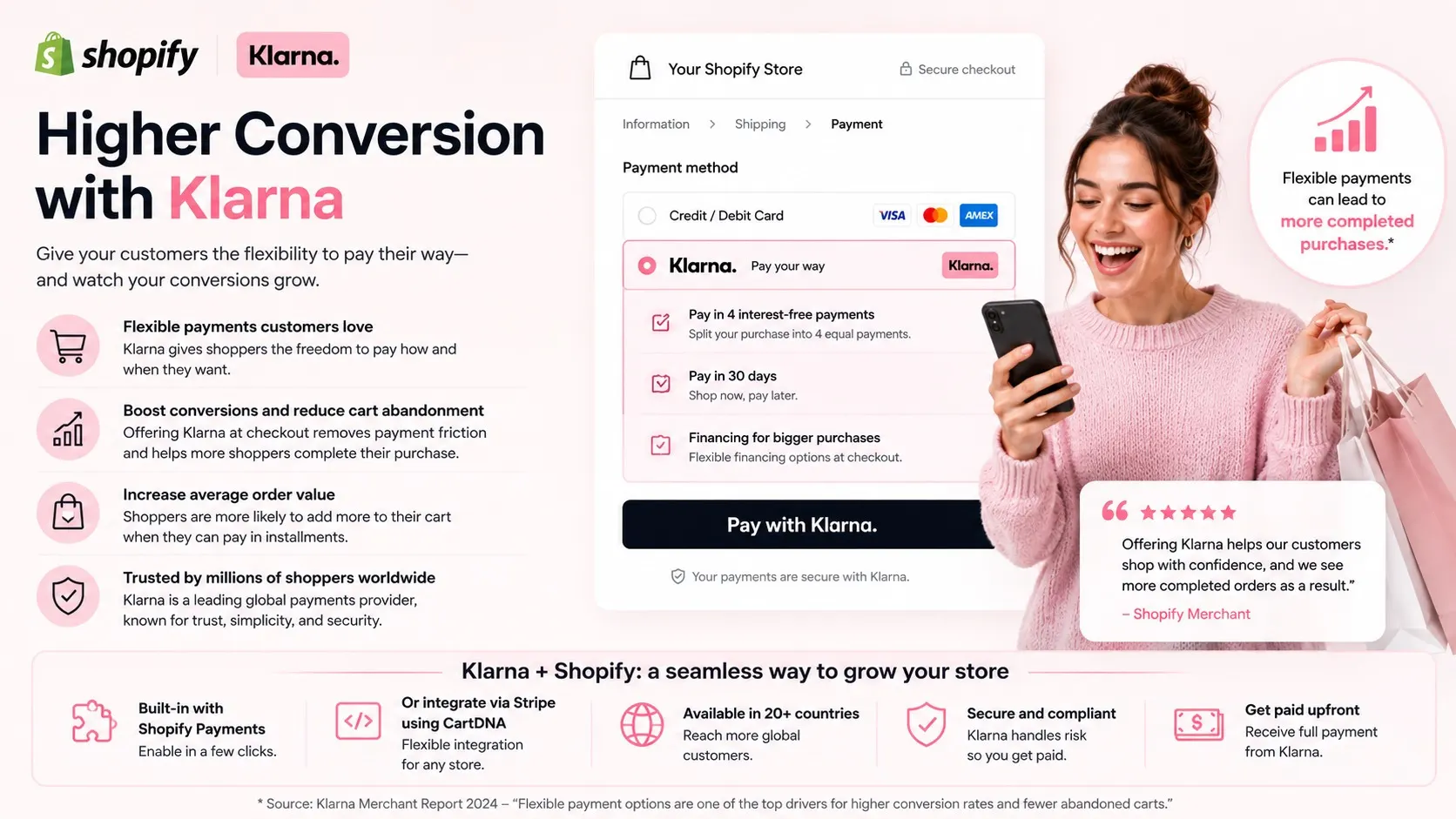
Klarna consistently lifts conversion rates and average order values for Shopify merchants — stores using Klarna BNPL report significant improvements in checkout completion
Klarna is a Swedish buy now, pay later (BNPL) provider with 150 million active consumers across 45+ markets. It lets shoppers split purchases into interest-free instalments, pay in full after 30 days, or choose longer financing — all at checkout, without leaving your Shopify store. For merchants, Klarna pays out the full transaction amount on your normal settlement schedule. You take no credit risk on the customer's repayment.
The conversion impact is well-documented. When shoppers see familiar BNPL options at checkout, hesitation around upfront cost drops — particularly on purchases above £50/$60. Cart abandonment at the payment stage is typically driven by price shock: the customer wants the item, but the full upfront cost creates friction. Klarna removes that friction by making the cost feel smaller, even when the customer ultimately pays in full.
There is no single Klarna integration that works for every Shopify merchant. Which path you use depends on where your store is registered, which payment gateway you currently use, and how technically involved you want the setup to be. Here are your four options — ranked from simplest to most complex.
If your Shopify store is registered in a supported country, Klarna is built directly into Shopify Payments and can be enabled in under five minutes without any third-party integration. Simply navigate to Shopify Admin → Settings → Payments → Shopify Payments → Manage → scroll to 'Buy now, pay later' and enable Klarna. Supported markets include the UK, US, Canada, Australia, Germany, France, the Netherlands, Sweden, Finland, and several others. If your market is in this list and you already use Shopify Payments, this is unquestionably the fastest route.
If your Shopify store is registered in the UK, US, Canada, Australia, Germany, or France — check Shopify Payments first. Enabling Klarna there takes less than five minutes and requires no extra tools.
If Shopify Payments is not available in your market, or if you already use Stripe as your primary payment gateway, the CartDNA Klarna by Stripe app is the next simplest integration path. Install the CartDNA app from the Shopify App Store, connect your Stripe account (with Klarna enabled in the Stripe dashboard), and Klarna appears natively in your Shopify checkout — no redirect, no separate payment page. Stripe supports Klarna in 25+ markets including the UK, US, Germany, France, Sweden, Australia, Netherlands, and Canada. Once your Stripe account has Klarna enabled (typically 1–2 business days for new activations), the CartDNA setup takes under 30 minutes.
Applying directly to Klarna for a merchant account gives you the tightest integration and potentially the lowest per-transaction fees. Klarna's direct merchant programme is available in its core markets (UK, DE, SE, NO, FI, DK, NL, AT, CH, US, AU, CA). However, the application process involves a comprehensive review — business model, revenue history, chargeback rates, industry classification, and a credit assessment. For newer merchants, dropshippers, or stores in higher-risk product categories, direct approval can be difficult or slow.
Several enterprise and mid-market payment service providers offer Klarna as part of their broader BNPL portfolio. Adyen, Checkout.com, Mollie, and Worldline all support Klarna in their payment method suite. These providers are typically better suited to Shopify merchants processing high volumes (£500K+/month) who need multi-PSP redundancy, advanced fraud tools, or complex reconciliation across multiple markets. Integration with Shopify requires custom or semi-custom development work.
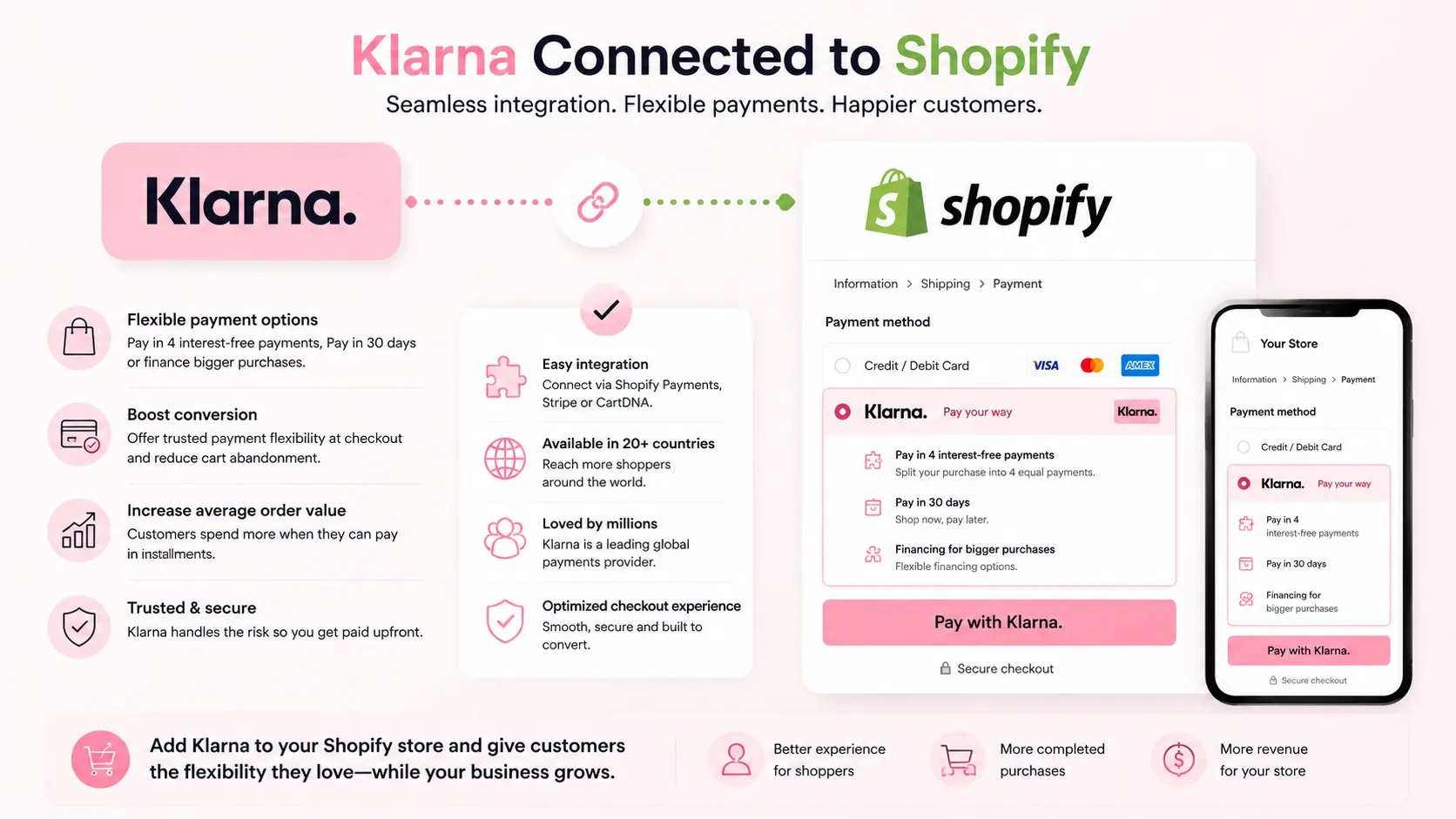
Klarna integrated with Shopify — enabling buy now pay later at checkout in just a few clicks through Shopify Payments or the Klarna payment app
Use this table to identify which Klarna integration path fits your store's market, technical capacity, and current payment gateway setup.
| Method | Setup Time | Best For | Complexity |
|---|---|---|---|
| Shopify Payments + Klarna | Under 5 minutes | Shopify Payments eligible merchants (UK, US, AU, DE, CA, FR) | None — toggle in settings |
| Stripe + CartDNA App | Under 30 minutes | All Stripe-eligible markets where Shopify Payments is unavailable | Low — install app, connect Stripe |
| Klarna Direct | 1–4 weeks (review) | Established merchants, £100K+/month, low-risk product categories | Medium — full application process |
| Third-party PSP (Adyen, Checkout.com) | 4–12 weeks | High-volume merchants needing multi-method coverage | High — custom development required |
CartDNA Recommendation: Start with Shopify Payments. If your market is not eligible, use Stripe + CartDNA. Consider Klarna Direct only once your store is processing consistently at significant volume. Third-party PSPs are for merchants with dedicated development capacity and multi-market requirements.
Klarna delivers the most measurable conversion impact in specific store and product contexts. Adding Klarna to a store selling £8 impulse purchases has minimal effect. Adding it to a store selling £120 homeware or £200 electronics changes the checkout psychology entirely. Here is when to prioritise adding Klarna.
Klarna also has a less-discussed retention effect. Customers who use Klarna tend to return more frequently than card-only customers, partly because Klarna's own app creates a remarketing channel back to your store. Over a 12-month period, Klarna users consistently show higher lifetime value in studies across UK and European markets.
Before activating Klarna on your Shopify store, verify these six requirements to avoid partial activation, hidden eligibility issues, or checkout errors after going live.
The easiest method depends on your country. If your Shopify store is registered in the UK, US, Canada, Australia, Germany, France, the Netherlands, Sweden, or Finland, Klarna is built into Shopify Payments. Go to Shopify Admin → Settings → Payments → Shopify Payments → Manage, scroll to Buy now, pay later, and toggle Klarna on. This takes under five minutes with no additional apps. If Shopify Payments is not available in your market, the next easiest method is to install the CartDNA Klarna by Stripe app and connect your Stripe account — typically a 30-minute setup once your Stripe account has Klarna enabled.
Yes — if neither Shopify Payments nor Stripe covers your market, you have two remaining options. You can apply directly for a Klarna merchant account (Klarna Direct), which involves a full business review and typically takes 1–4 weeks with stricter eligibility requirements. Alternatively, you can use a third-party payment service provider (PSP) that includes Klarna in their payment method suite — Mollie, Adyen, Checkout.com, and Worldline all offer Klarna for eligible merchants. Third-party PSP integrations with Shopify typically require custom development work.
Shopify Payments + Klarna is only available to stores registered in specific supported countries. If your business entity is registered outside these markets — for example, stores from Southeast Asia, the Middle East, South America, or Africa — you cannot use the built-in Shopify Payments + Klarna toggle. In these cases, Stripe via the CartDNA app is often the most accessible alternative. Stripe supports Klarna in 25+ markets and has a generally faster merchant approval process than Klarna Direct.
Adding Klarna to Shopify does not affect your cash flow. Whether a customer chooses Pay in 3, Pay in 30 days, or Klarna financing, you receive the full order amount from your payment provider (Shopify Payments or Stripe) on your normal payout schedule. Klarna manages the customer's repayment relationship and takes on the credit risk. If a customer misses a Klarna payment, Klarna absorbs that loss — you keep your money. Settlement times vary by provider: Shopify Payments typically settles within 1–3 business days, and Stripe within 1–5 business days depending on your account age and region.
Whether you're using Shopify Payments in a supported country or need Stripe as an alternative gateway, CartDNA has a certified Klarna integration for your store. Install the CartDNA Klarna by Stripe app in under 30 minutes — no redirects, no custom code, no complex setup.
