

Why Shopify Third-Party Payment Apps Matter
Your payment layer drives every transaction. It affects conversion, trust, and cash flow. A weak setup leads to failed payments and drop-offs. A strong setup increases approval rates and protects revenue across devices, regions, and customer segments.
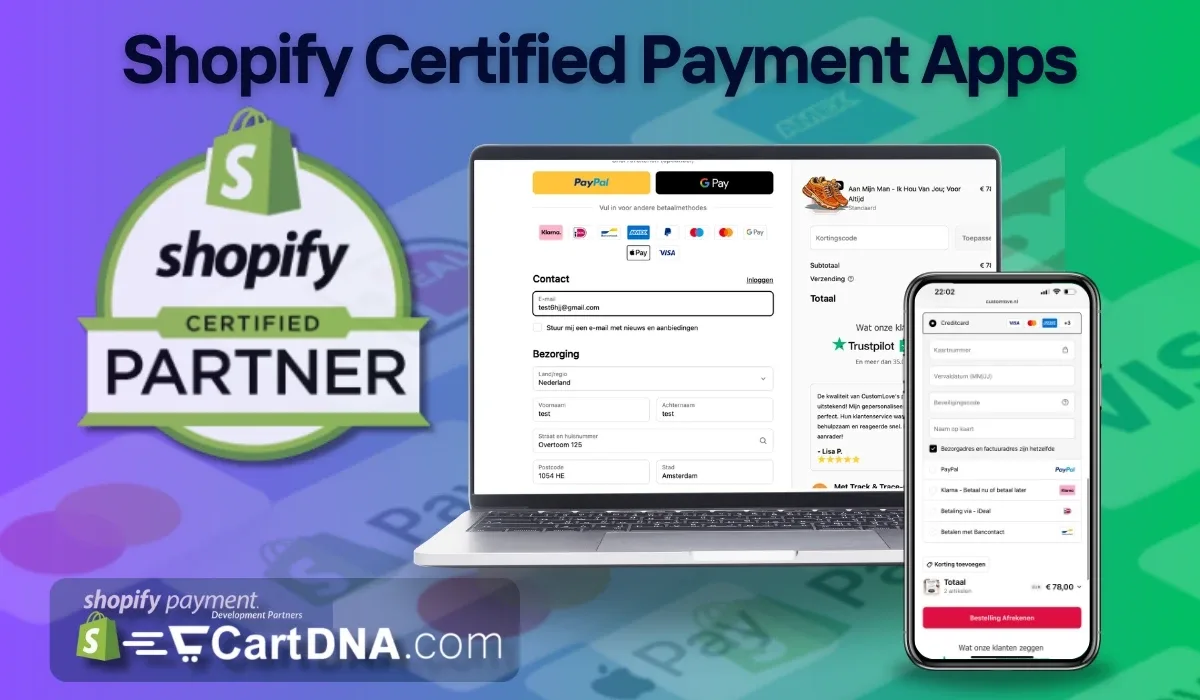
- Payment loads correctly
- Customer enters details smoothly
- Payment processes without delay
- Funds are captured securely
Any break reduces conversion.
Approved vs Unapproved Payment Apps Shopify
Approved Shopify Payment Integrations
- Built for Shopify Checkout
- Stable across updates
- Secure tokenisation
- Lower failure rates
- Full compliance support
Non-Approved Payment Apps
- External redirects
- Higher failure risk
- Limited Shopify support
- Compliance gaps
- Sudden disconnection risk
Insight: Short-term flexibility looks attractive. Long-term risk costs more. Choose stability first.
Shopify Checkout Risks You Cannot Ignore
Checkout is where revenue is won or lost. Even small issues reduce performance. Unapproved apps often break key steps. This creates friction and pushes customers away before payment completes.
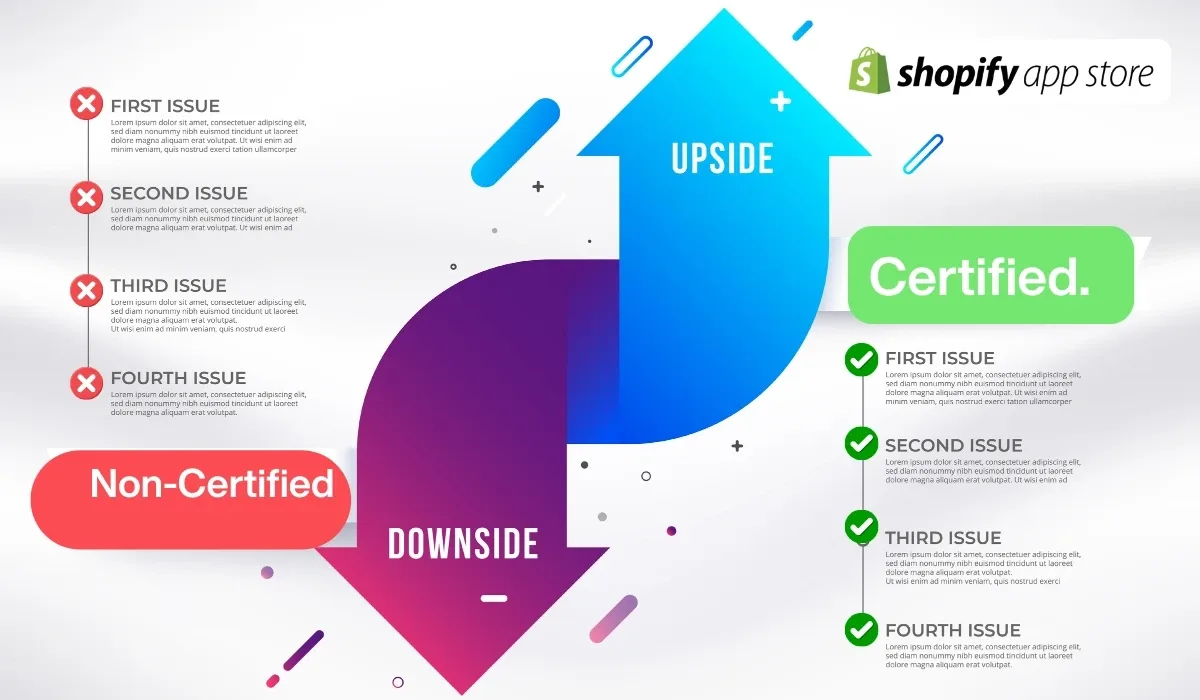
- Slow payment load times
- Broken redirects
- Mobile checkout issues
- API conflicts after updates
1 second delay can reduce conversion by up to 7%.
You lose:
- Completed orders
- Customer trust
- Repeat purchases
- Revenue consistency
Shopify Payment Compliance Risks
Compliance protects your business. It ensures secure payments and reduces fraud exposure. Approved apps follow strict standards. Non-approved setups often skip critical protections. This creates risk you cannot see until it is too late.
- PCI DSS compliance
- Strong customer authentication
- Fraud prevention tools
- Dispute handling systems
Without these:
- Chargebacks increase
- Accounts get restricted
- Legal risks grow
Third-Party Payment Providers Shopify – What to Check
You must validate every payment app before installing it. Do not rely on features alone. Focus on performance, compliance, and support. This protects your checkout and ensures long-term stability.
Example
UK merchant adds Pay by Bank via approved integration:
- Lower fees
- No chargebacks
- Faster settlement
Same method via unapproved app:
- Redirect failures
- Checkout drop-off
- Limited support
Choose Secure and Scalable Payment Options
You need a payment setup built for growth. Stability comes first. Then optimise for conversion. Then scale globally. Each step builds a stronger checkout that increases revenue over time.
Stability
- Use approved apps only
- Avoid unsupported flows
- Test checkout fully
Conversion
- Offer local methods
- Reduce friction
- Speed up payments
Scale
- Multi-currency support
- Global compliance
- High uptime providers
Explore more
Frequently Asked Questions
Are all Shopify third-party payment apps safe?
No. Only approved apps meet Shopify standards. Others can create checkout and compliance risks.
What is the biggest risk?
Failed payments. This leads to lost revenue and higher abandonment.
Can Shopify disable unapproved apps?
Yes. Unsupported apps can be removed, breaking checkout instantly.
How do I verify approval?
Check Shopify App Store and official documentation for checkout compatibility.
Fix Your Payment Setup Before It Costs You
- Remove risky payment apps
- Switch to approved integrations
- Optimise checkout performance